Open any 3D file on your Mac.
3DVWR shows models, 3D prints, CAD parts and textures in 21 formats. Open them in a window, or press Space in Finder and look at them with Quick Look.
Coming soon to the Mac App Store. Requires macOS 14 or later.
 3DVWR
3DVWR shows models, 3D prints, CAD parts and textures in 21 formats. Open them in a window, or press Space in Finder and look at them with Quick Look.
Coming soon to the Mac App Store. Requires macOS 14 or later.
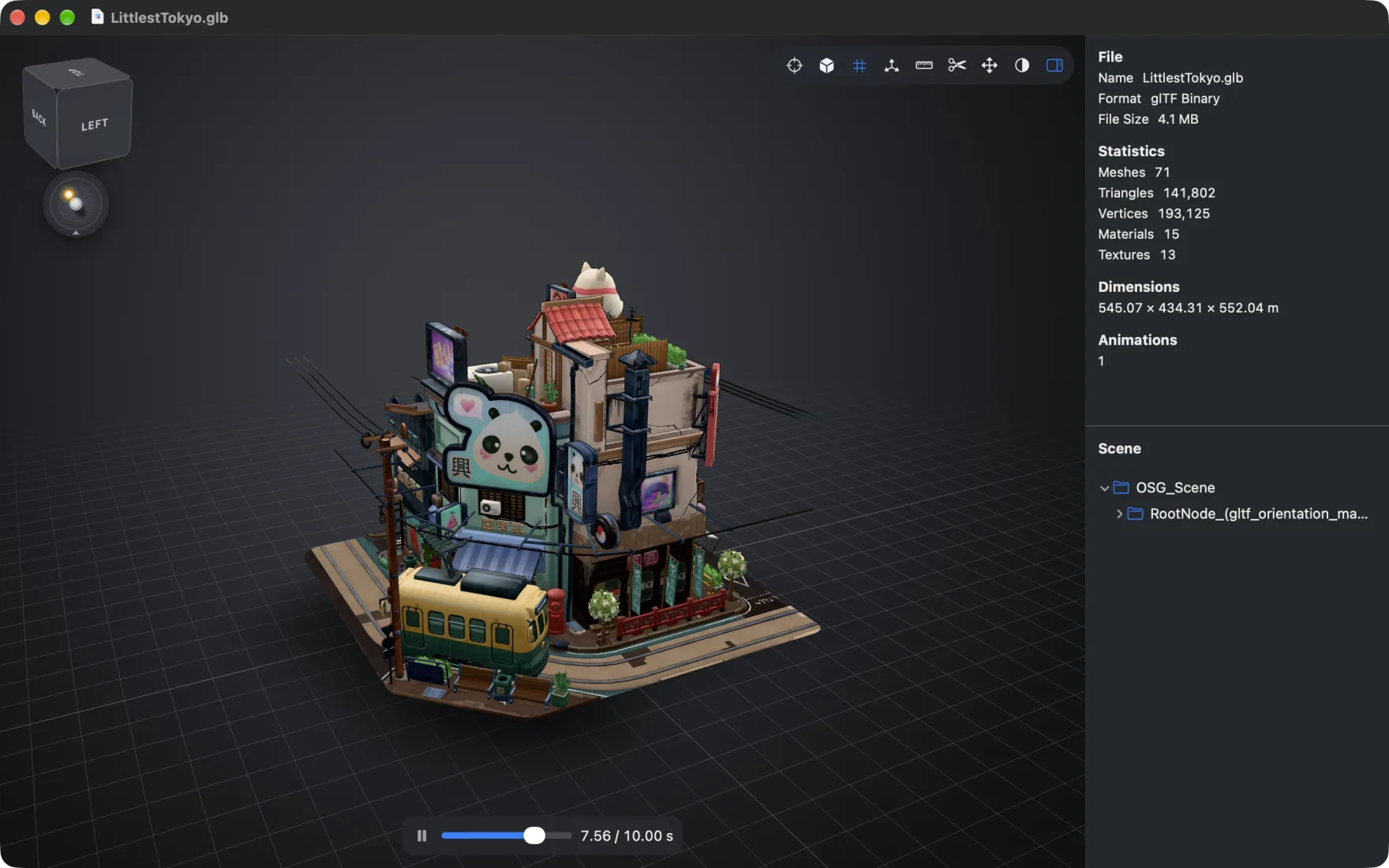
Orbit, zoom and pan around the model with its textures and materials. Animations play right away.
The inspector lists meshes, triangles, materials, textures and the model's dimensions, and shows the scene as a tree.
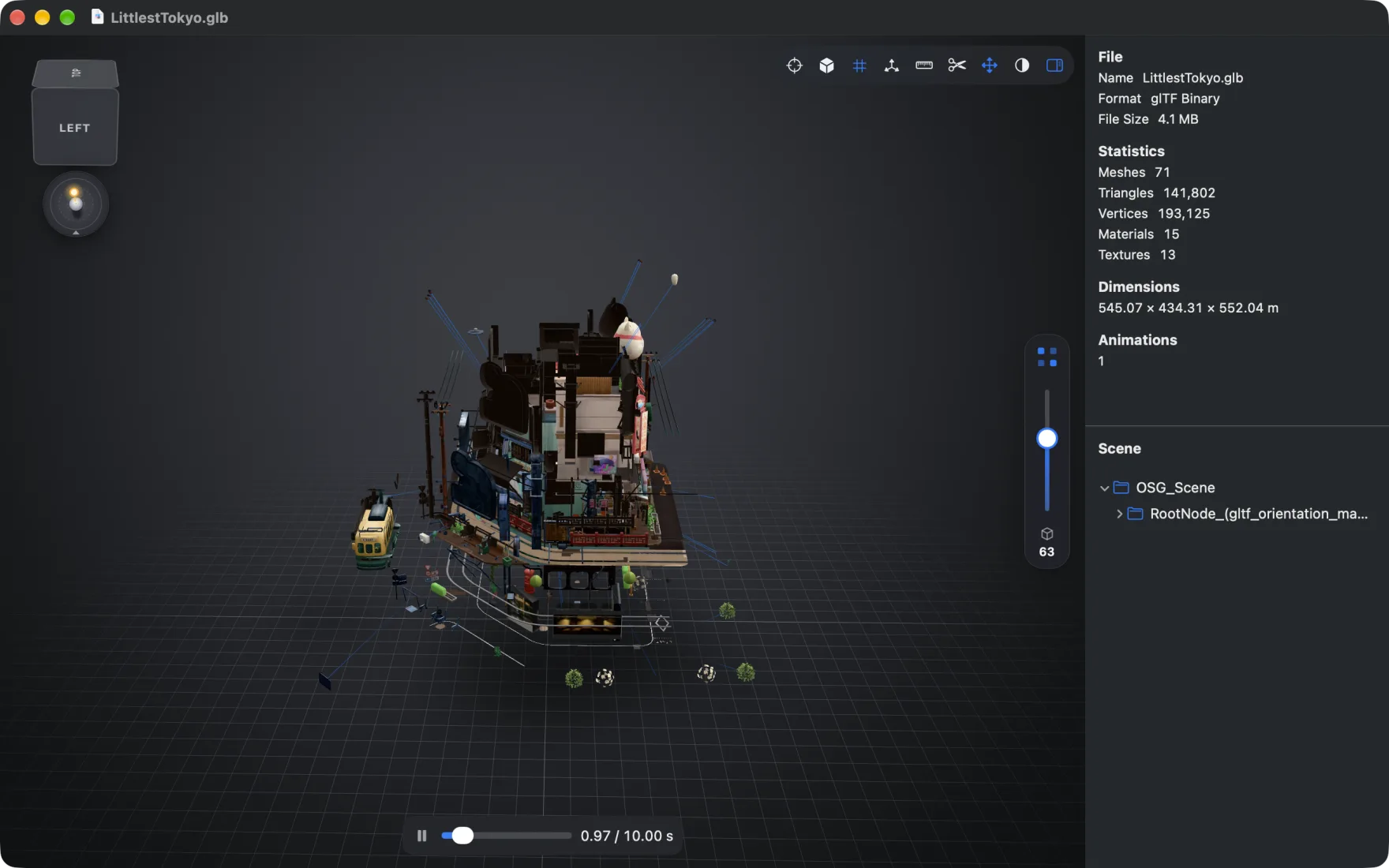
Pull an assembly apart with the exploded view, cut through it with the section view, and switch on dimensions to read its size.
Five looks change how the surface is drawn: Studio, Clay, X-Ray, Blueprint and Wireframe.
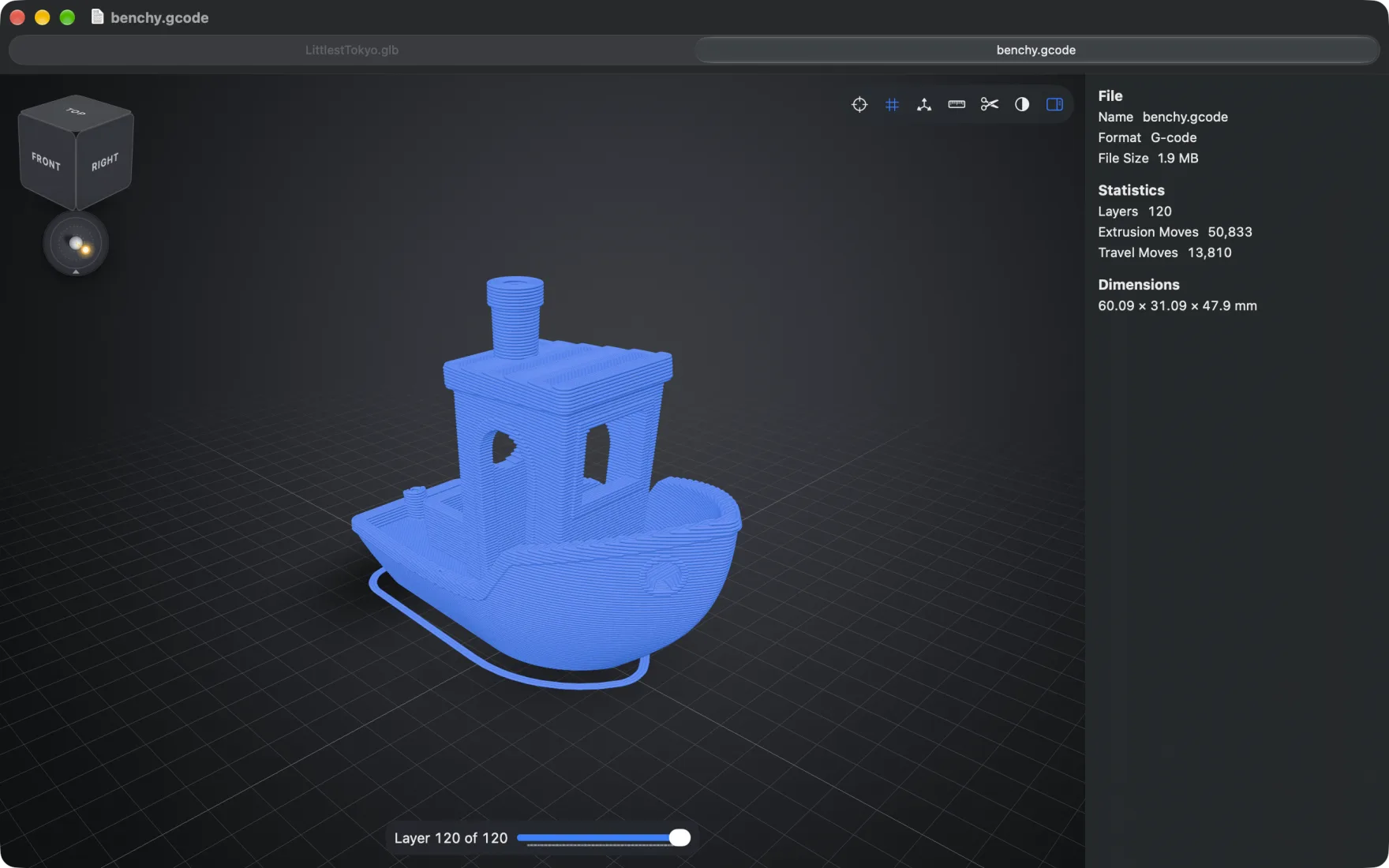
G-code opens as the tool path your printer will follow. Step through it layer by layer and see how many extrusion and travel moves it takes.
The inspector shows the size of the print in millimeters, so you know whether it fits the bed.
Every format opens in the app and in Quick Look. Finder shows thumbnails for glTF, OBJ, PLY, STL and COLLADA files, and for 3MF and G-code files that carry a preview image.
3DVWR works offline. It has no account, no analytics and no ads, and it never uploads a file. If a model points to textures on a web server, the app does not load them.
macOS runs the app in a sandbox: it reads the files you open and the folders you allow, nothing else. Read the privacy policy